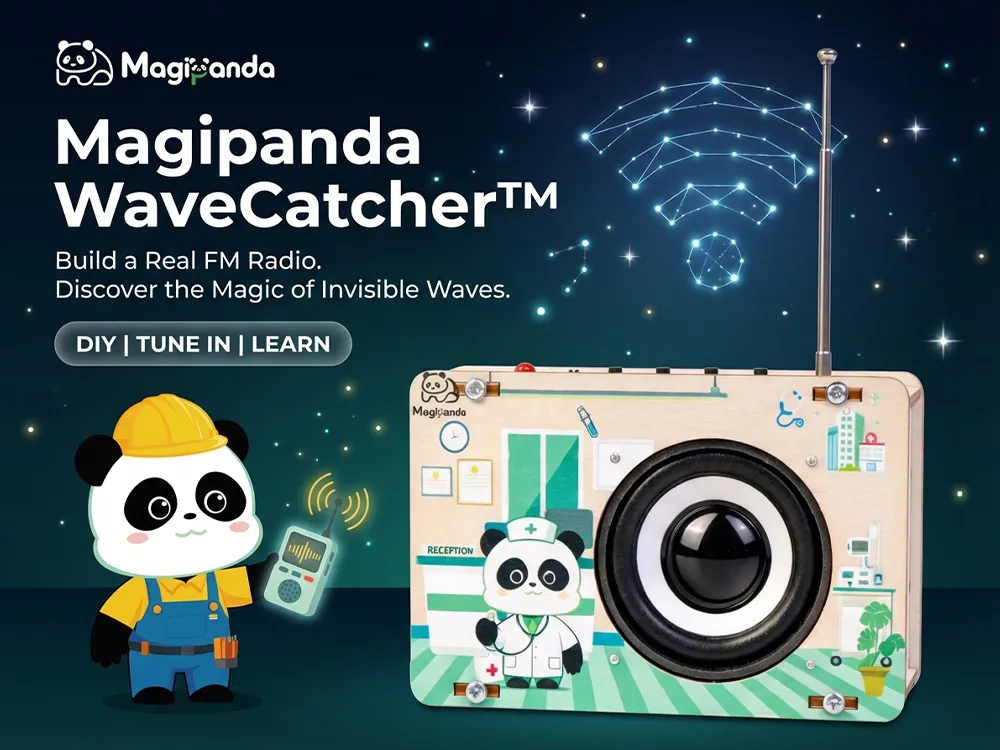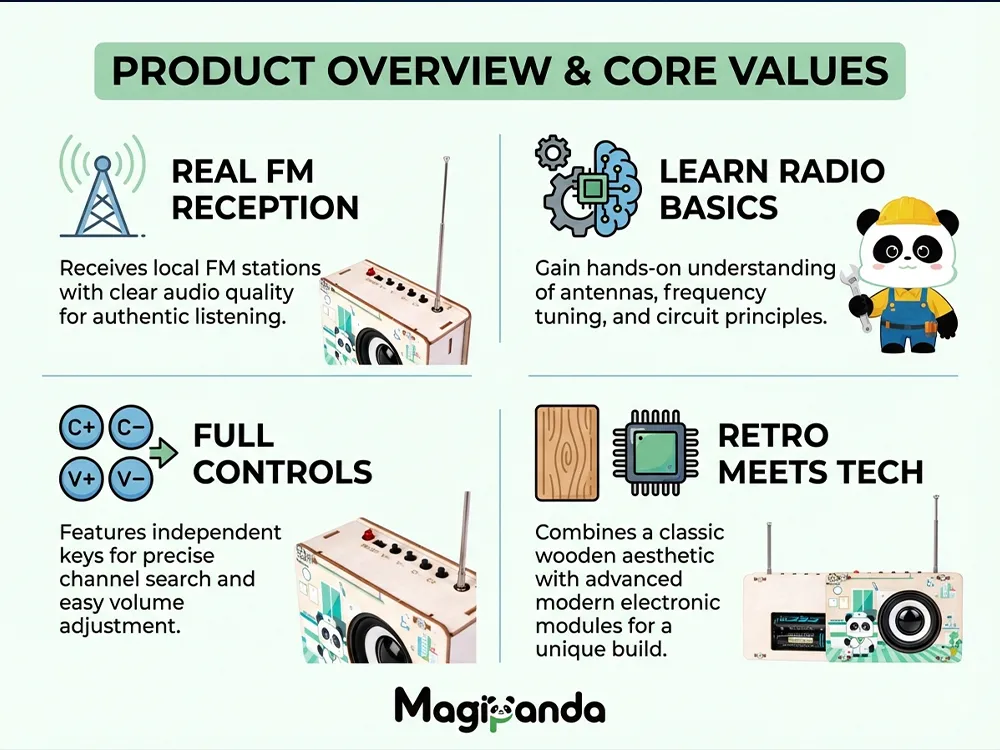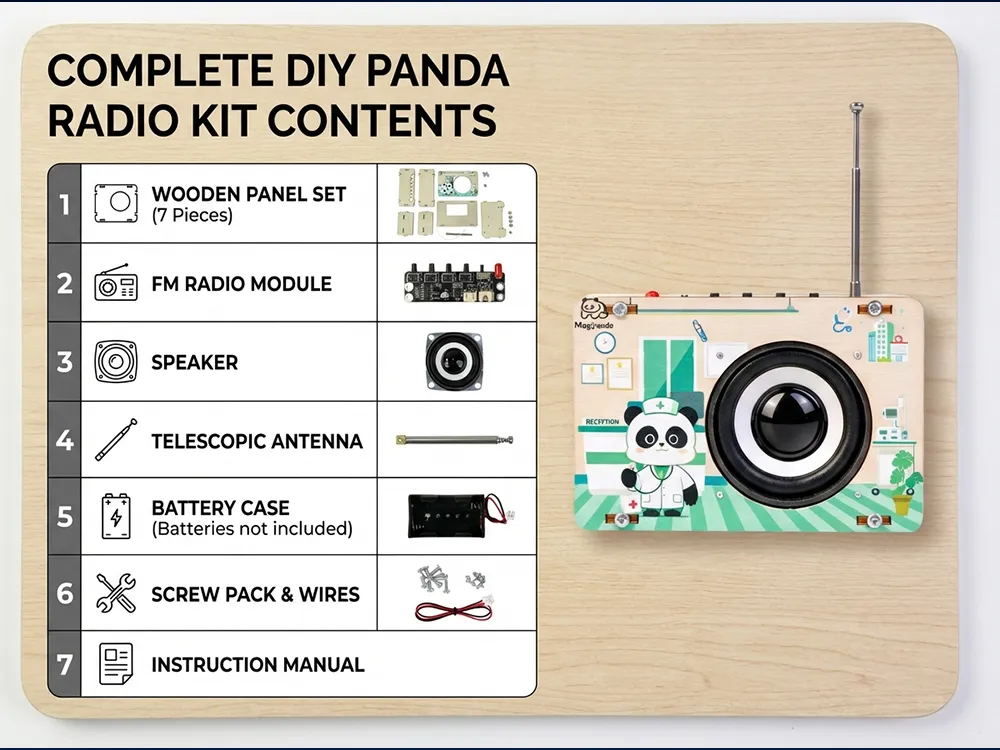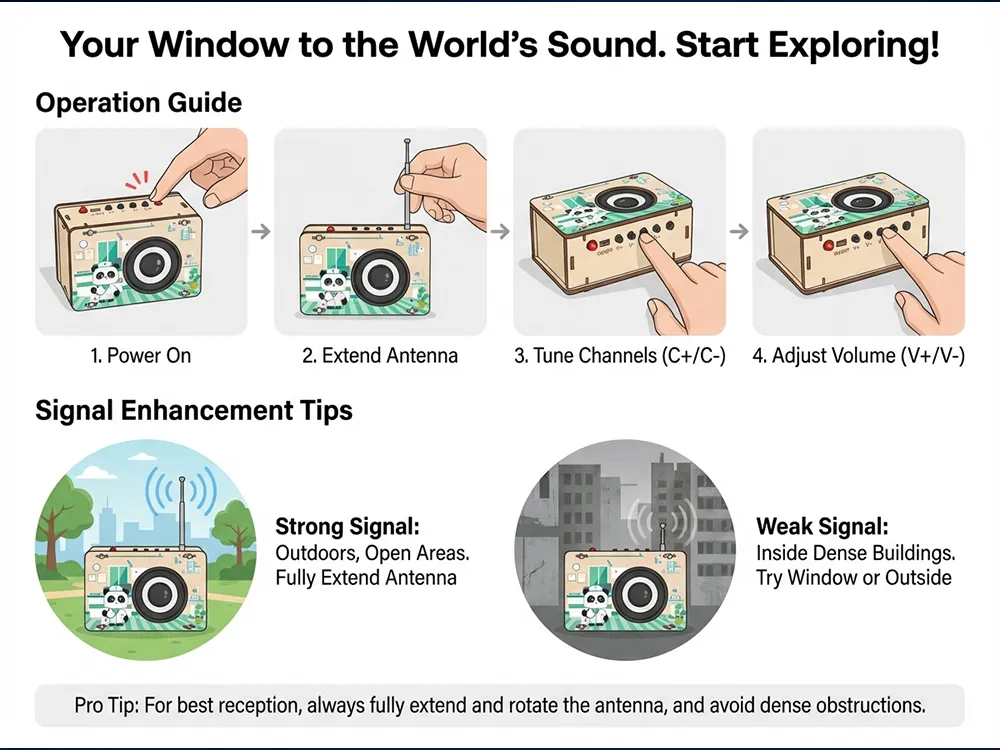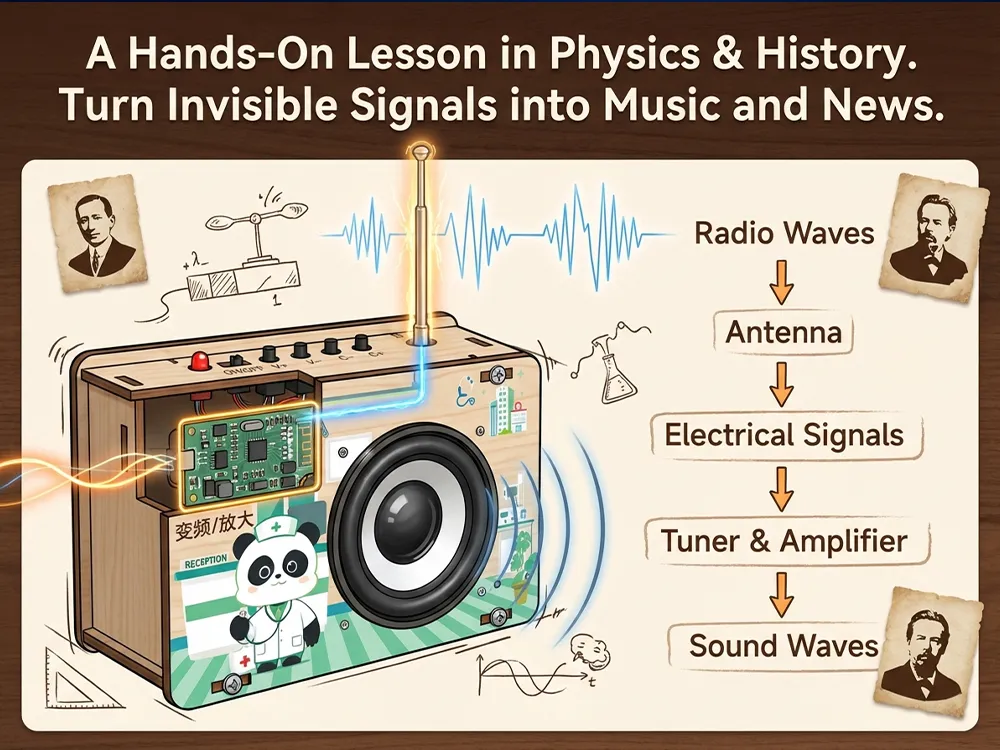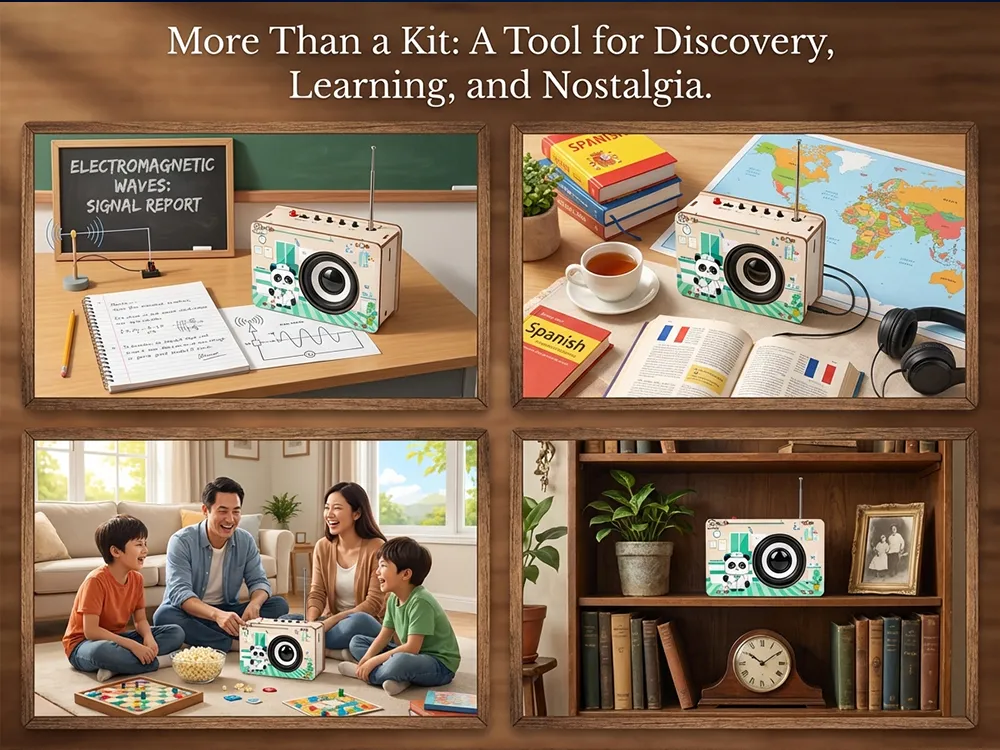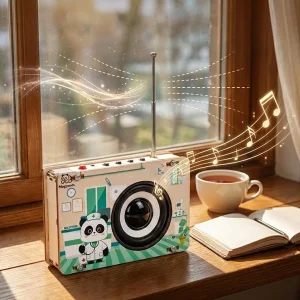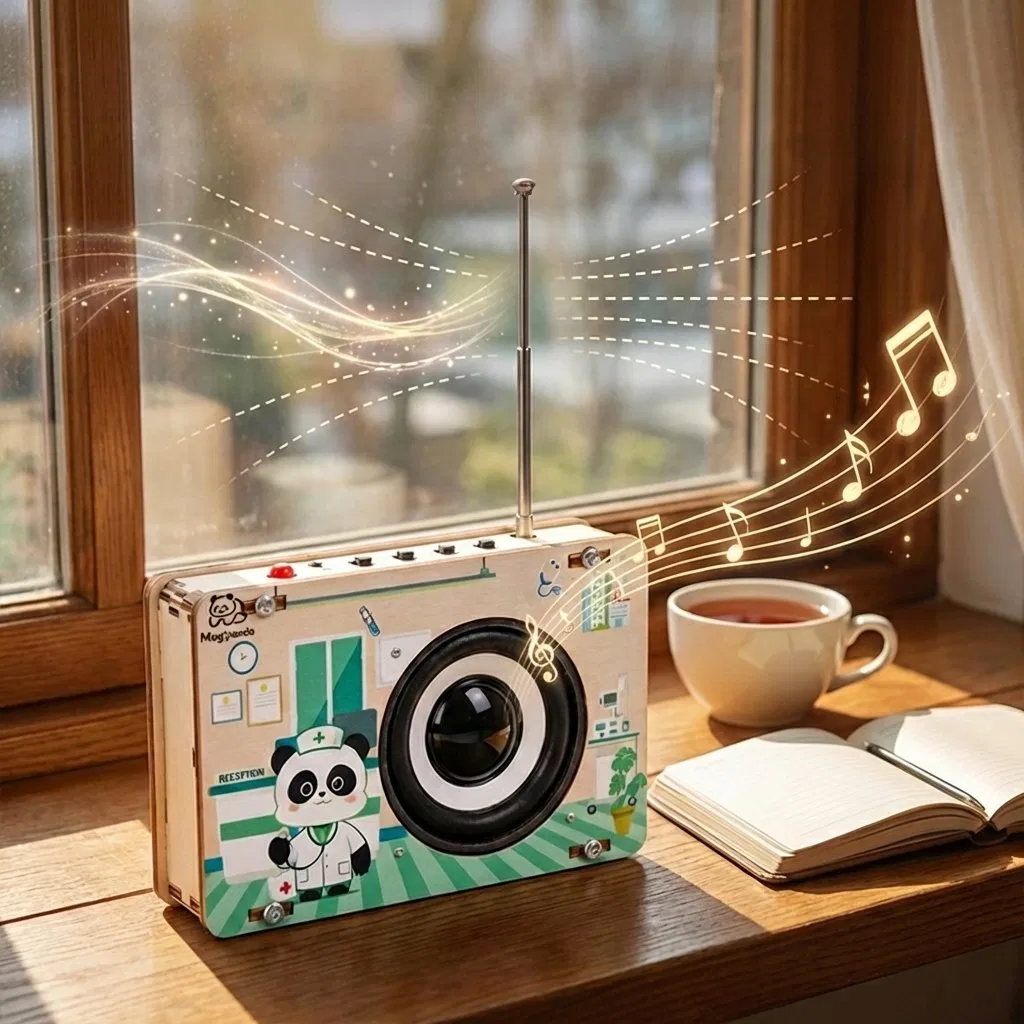
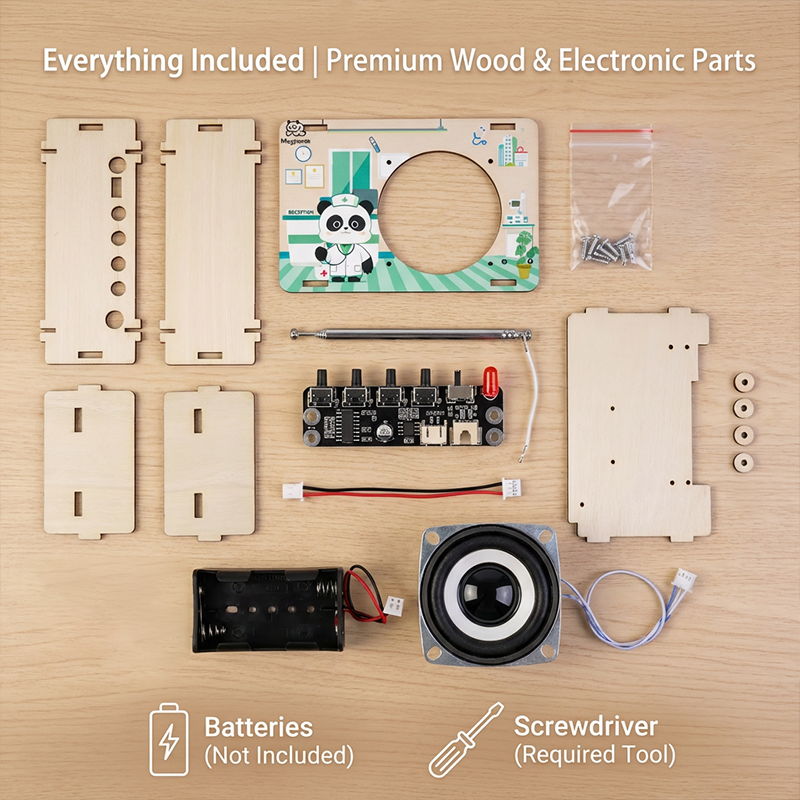
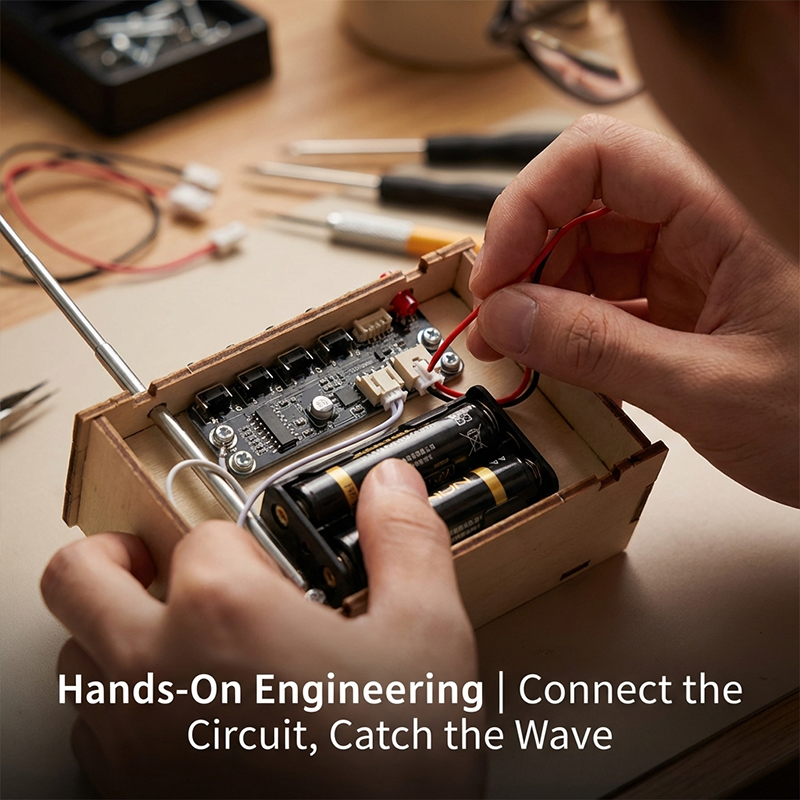
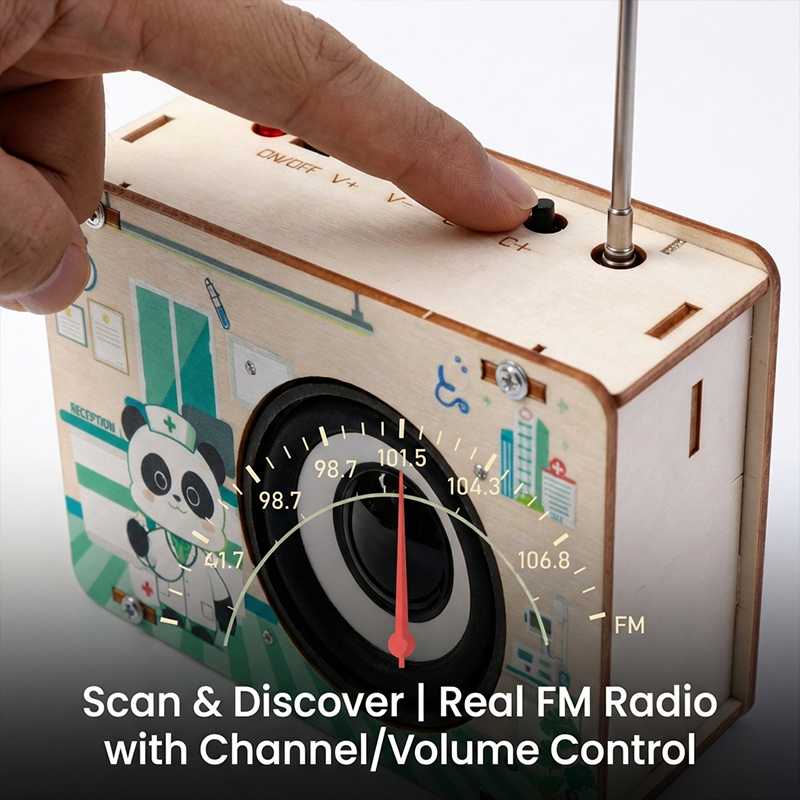
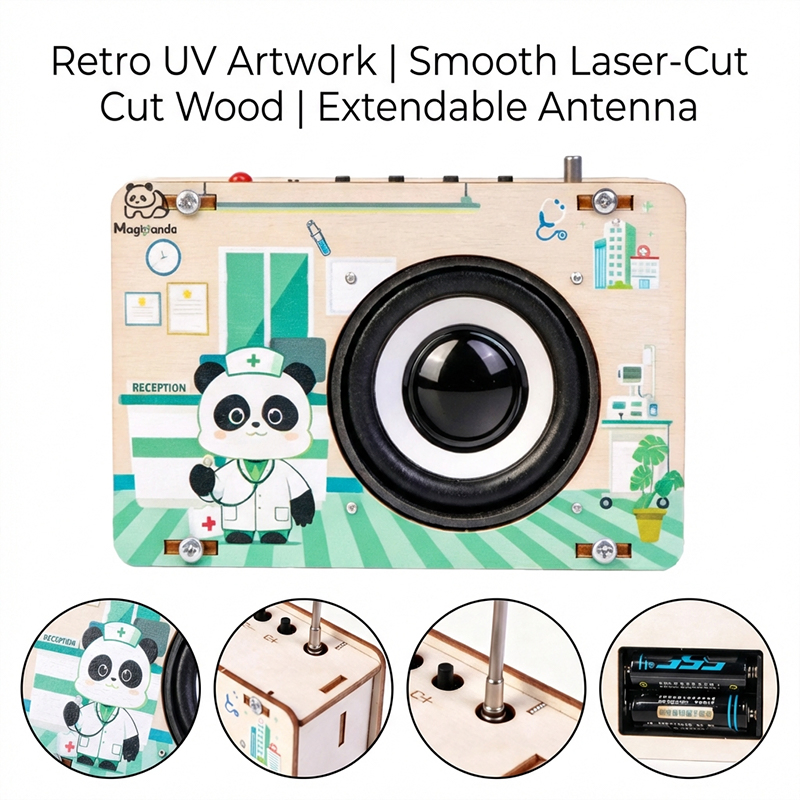
Wooden Radio DIY Assembly Kit Stem Educational Toy for Kids Learning

Still deciding? Get samples of $ !
Request Sample

Product Description

Overview

Basic Info.
Model NO. 181075
Age Range All Ages
Type Other Educational Toys
Function Improve Kid's Hand Operated Ability
Description Creative DIY Toys
Delivery Time 7 Days
Transport Package Box
Specification 25*16*5cm
Origin Guangdong, China
HS Code 90230090
Production Capacity 10000pieces/Years
Packaging & Delivery
Package Size 26.00cm * 15.00cm * 6.00cm
Package Gross Weight 1.000kg
Lead Time 7 days (1 - 5 Sets)
30 days (6 - 2000 Sets)
To be negotiated ( > 2000 Sets)

Product Description

Wooden Radio DIY Assembly Kit Stem Educational Toy for Kids Learning

Specification

Parameter Detail
Product name Wooden Montessori Toys
Function Educational Toys
Material Wood

Certifications

Certifications Display
Quality Certification

Our Exhibition

Exhibition Booth and Display

FAQ

Q Why is there no response when turning on the robot?
  1. Low voltage: Please recharge all your batteries or replace them with new ones.
  2. Batteries installed in incorrect polarity (+/-).
  3. Incorrect wiring on the battery holder or motor.
Q How do I fix the issue when the robot moves backward instead of forward?
The wiring of the motor is connected in reverse. Please reconnect the wiring to correct the direction.
Q How can I program the robot or restore its factory settings?
Download the programming software on the official platform, connect the robot to the PC via USB cable, select the serial port "COM x" and the mainboard type to start coding.
  • Restore Firmware: Restores factory programs and settings.
  • Online Firmware: Allows live testing of your program with immediate response.
  • Mobile Firmware: Supports control and programming through mobile applications.
Q What should I do if the robot cannot connect to the computer via USB or wireless?
Your computer may lack the mainboard driver. Please install the driver from the software help menu, restart the robot, and attempt connection again.
Q Why can't the robot move under USB power supply alone?
USB power supply only supports the chip and sensors on the mainboard. To drive the motors or servos, please connect the batteries and turn on the power switch.
Q Why is the Line-following Sensor not working properly?
Please check the following:
  1. Ensure the distance between the Line-following sensor and the map is between 1-2cm for optimal range.
  2. Avoid using this mode under strong direct light, which interferes with the sensor.
  3. Make sure to use non-reflective material to create your own line-following path.

Related Products